

常见问题「Operation timed out」错误
「Operation timed out」错误
如果 AI 提供商的 API 响应时间过长,插件的 HTTP 客户端将中止请求,翻译将以类似如下的错误失败:
2026-05-20T03:11:48+00:00 Error [Query "translate-customposts"] Execution with errors: 🔴 Translation to es_AR failed - The API for provider 'ChatGPT' returned error: cURL error 28: Operation timed out after 60000 milliseconds with 0 bytes received (see https://curl.haxx.se/libcurl/c/libcurl-errors.html) for https://api.openai.com/v1/chat/completions关键部分是 cURL error 28: Operation timed out after N milliseconds。这意味着在 API 完成响应之前,请求已达到插件中配置的 Translation Timeout 上限。
提高 Translation Timeout
进入设置页面,在 Plugin Configuration > Translation Timeout 下,增大该值。
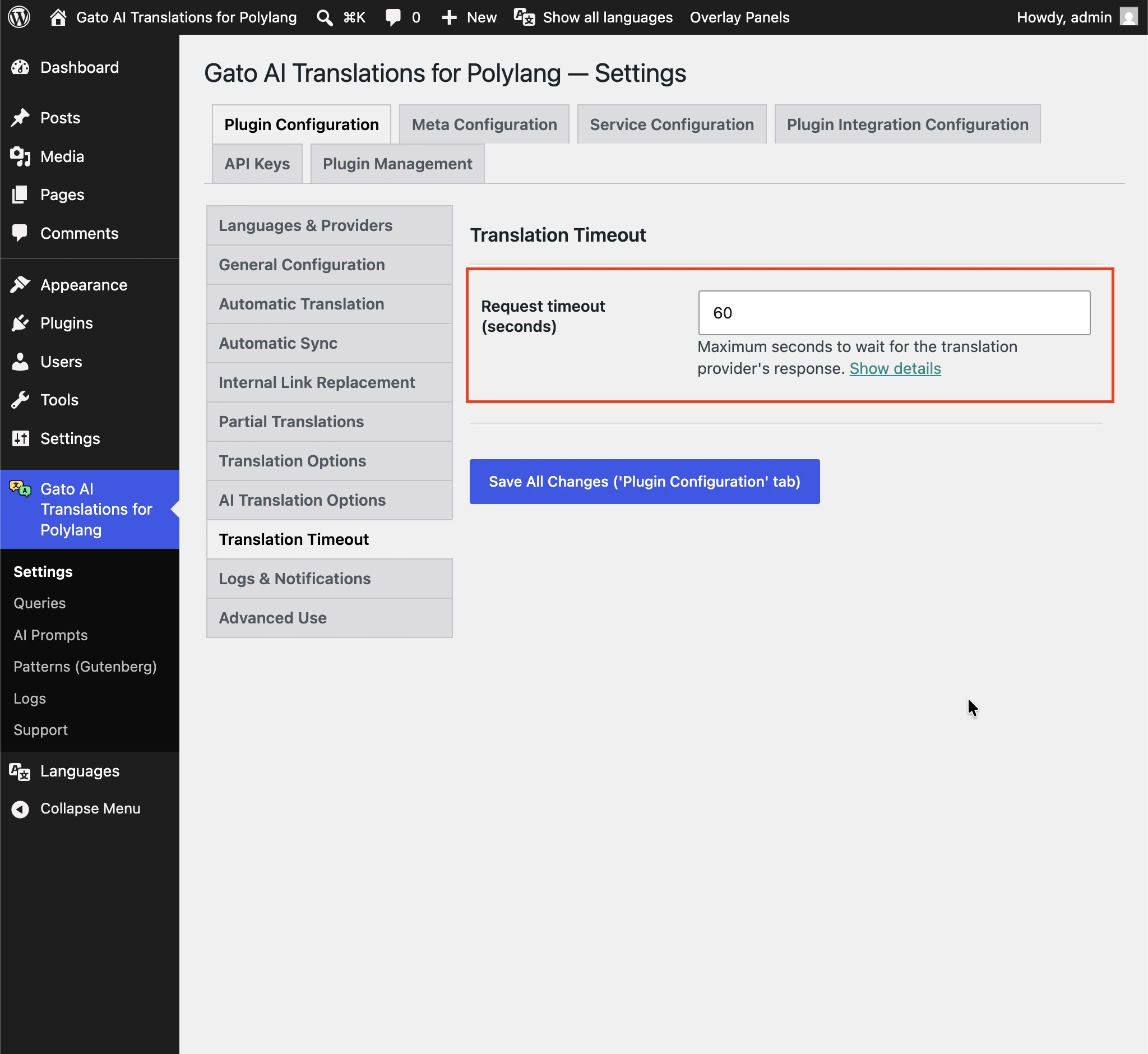
请将该值保持在服务器 max_execution_time(在 php.ini 中设置,或通过托管控制面板设置)以下,这样停止的翻译仍会以受控错误写入日志并失败,而不是触发通用服务器超时(HTTP 502 / 504,或空白的「Maximum execution time of N seconds exceeded」页面)。
如果翻译频繁超时,请同时提高 Translation Timeout 和服务器的 max_execution_time 两者。
减少每次请求发送的载荷
一个补充措施是发送更短的请求,使每个请求解析更快,从而降低触发超时的可能性。
进入 Settings > Service Configuration > [AI service],将 Max request payload length 选项减小到合适的字符数。
例如,如果设置为 4000 仍然失败,可以尝试 2000。
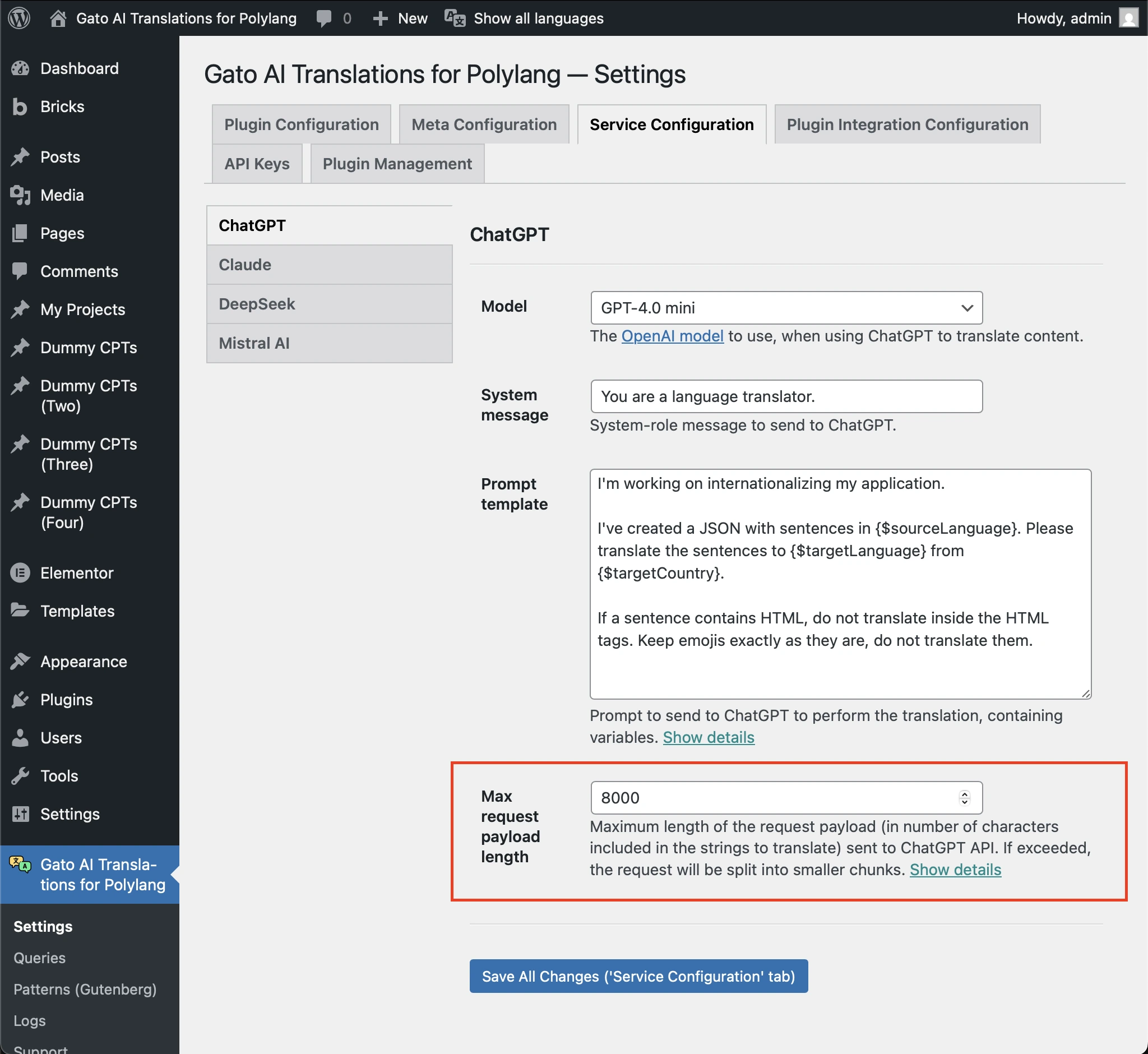
减少载荷后,翻译会被拆分为多个较小的请求,每个请求的解析速度更快。
另请参阅在 PHP 服务器中避免超时。
Next